Brainstorming
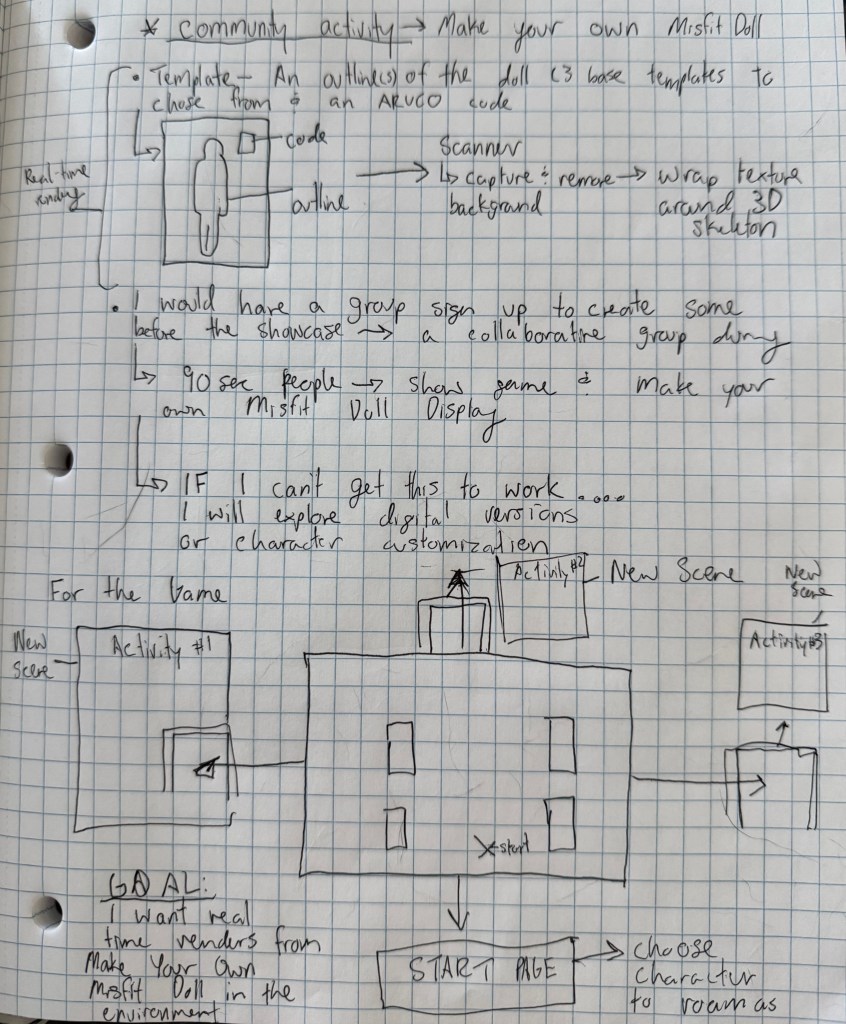
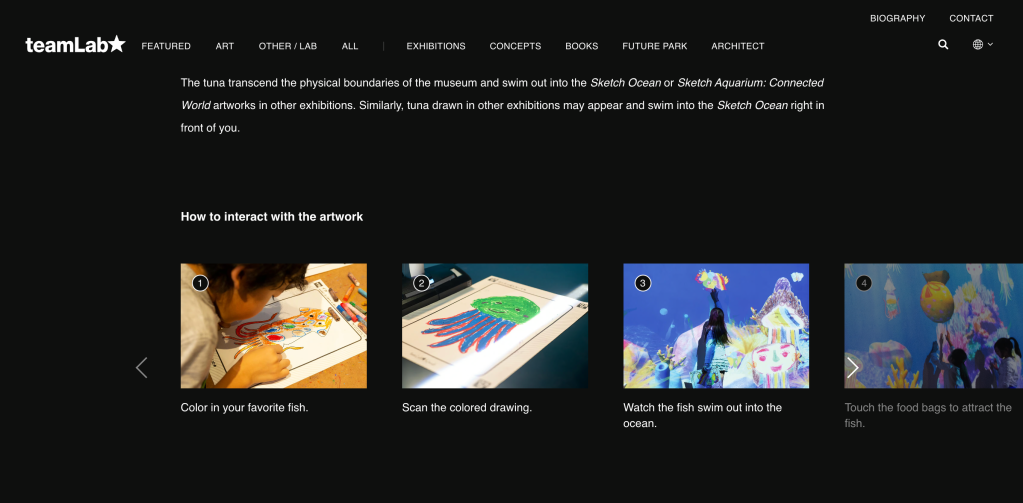
When thinking about my installation and the interactions participants and viewers have with the project, I thought about ways I can engage a community by facilitating a live participatory performance. Teamlabs has an installation called ‘Sketch Ocean’ in which participants are given a template with an outline of a sea creature. They are able to color-in or design their sea creature within the boundaries of the outline. The template is then scanned and the scan is applied as a texture that wraps around a 3D shape or skeleton that renders in real-time. It is then displayed on another screen. I was inspired by this idea and looked at how I could make my own version of it for my ‘Make your Own Misfit Doll’ activity. Since I am already developing a Misfit Dollz world, I think it would be interesting to see if I can either have the creations of participants render in the world I created or have a UI overlay in which the creations are displayed in front of the scene. You can have someone exploring the world and this would be the background of the display, 2 forms of interaction. I also thought of ways I can make the world itself more interactive, I thought of smaller activities that can be accessed by passing through a portal and entering a new scene.
ArUco Markers
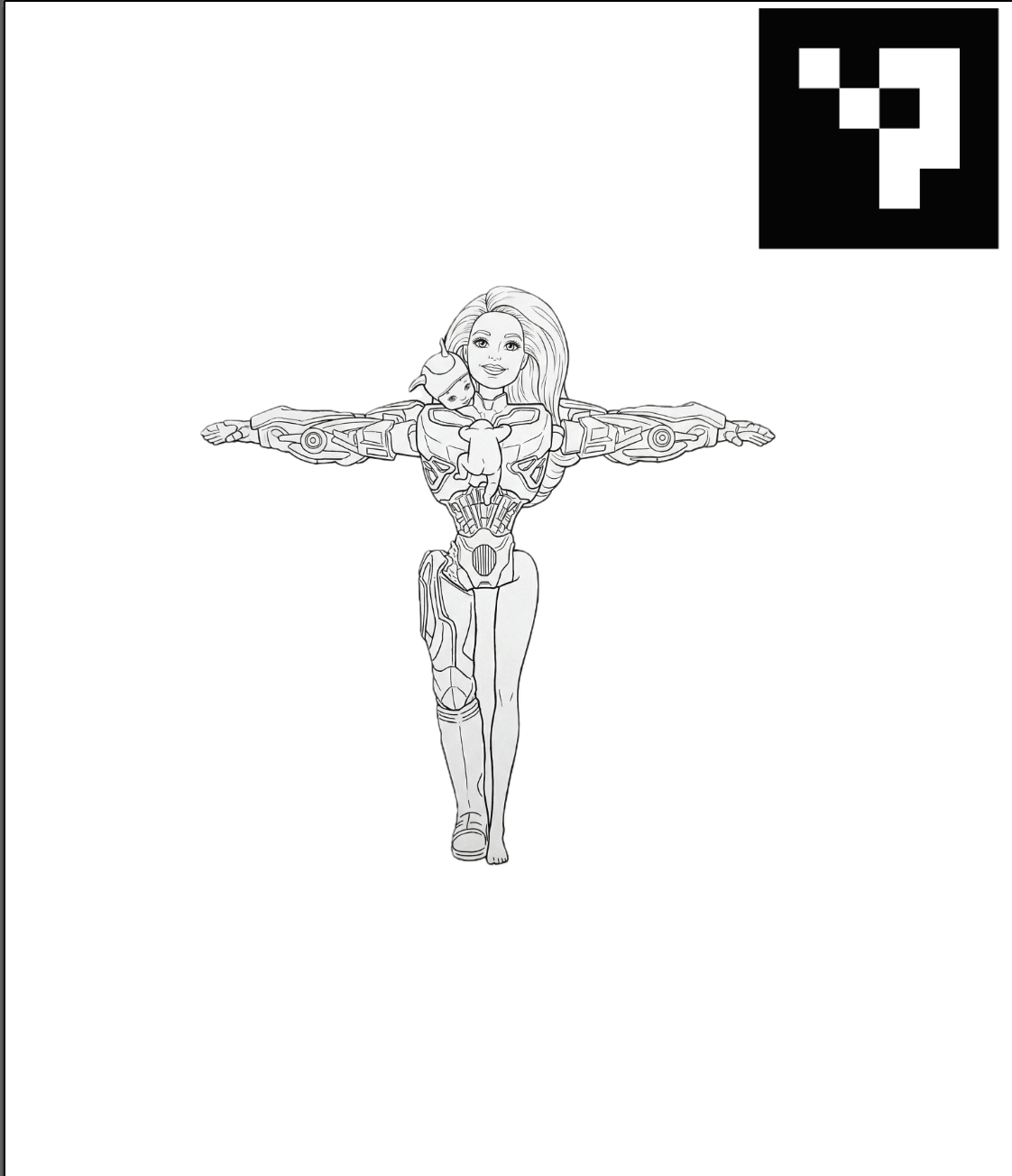
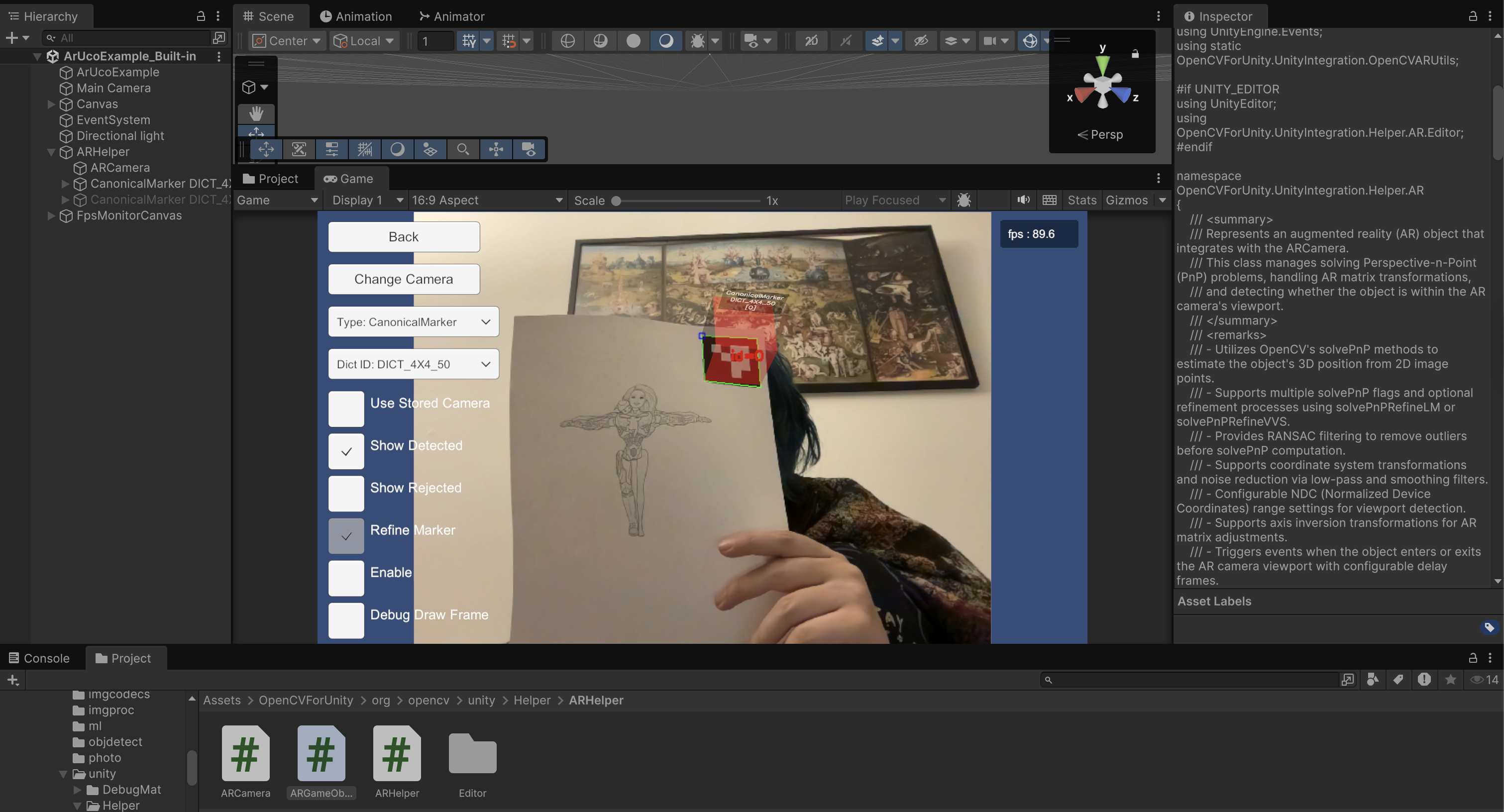
I looked up how to make an installation like teamLab’s Sketch Ocean and found that if I use Open CV for Unity, I can generate my own arUco markers to the outlines so the program knows what model should appear. The problem is, being able to not only render the model, but more importantly, the custom drawn texture from the outline. This is where I am struggling. I tested the Open CV plug-in and while the markers I generated worked, I am somewhat lost on how to apply the texture. Another issue I came across was if I were to have people choose paper cut out parts and have them assembled, it would be hard to indicate what model should render. A solution I considered was simply making the outline a vague humanoid silhouette so that it only used one simple model. Another solution would be to make a “create your own misfit doll (avatar)” scene in unity where people can choose parts from different 3D assets.
A Potential Solution?
When investigating ways I can add my 2D scanned images to my Unity project, I tested the idea a few ways, (1) I applied the 2D B&W outline to a quad game object by creating a custom material, (2) I made a custom particle system that would be able to render custom shapes. The particle system solution may be an effective route to take, I would just like to see how I can quickly add these textures to my Unity file while it is running in real time!
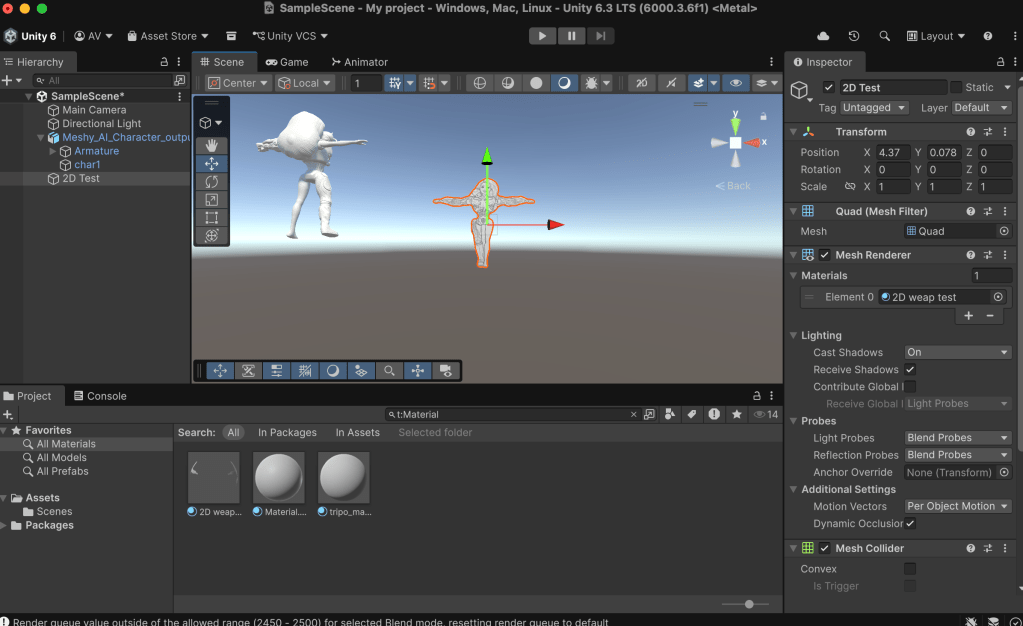
With this potential solution, I could get closer to my goal of adding participants art to the Misfit Dollz world. I will draft a few different templates, and generate an arUco code that is assigned to empty quads (solves the issues of too many meshes to choose from and saves time). I will then see if there is scripts or workflows that will allow me to attach these scans to the 3D quad without having to do it manually. IF this isn’t possible, I will find a quick manual method that would be executed at the showcase.
What I Can Control & Worldbuilding
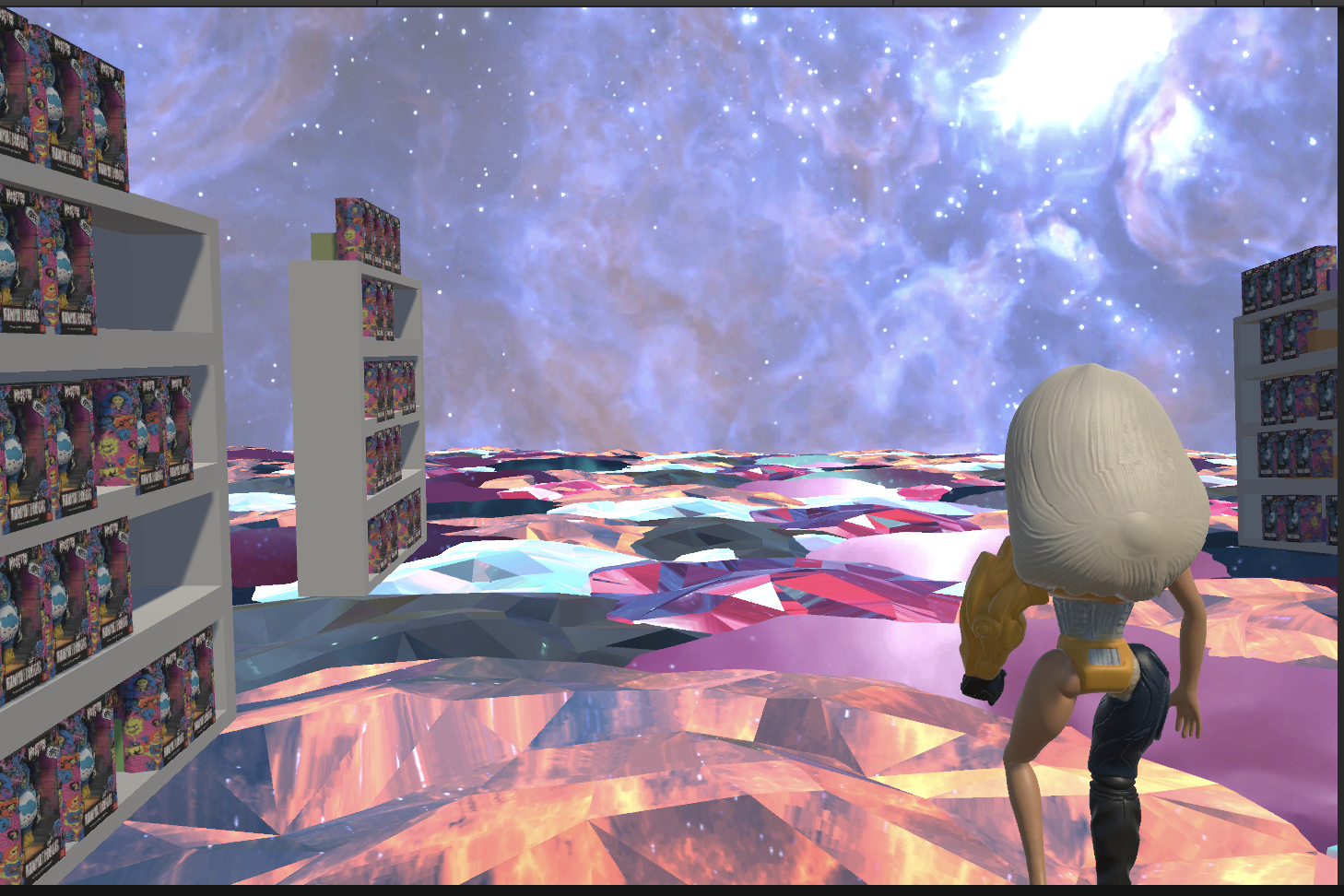
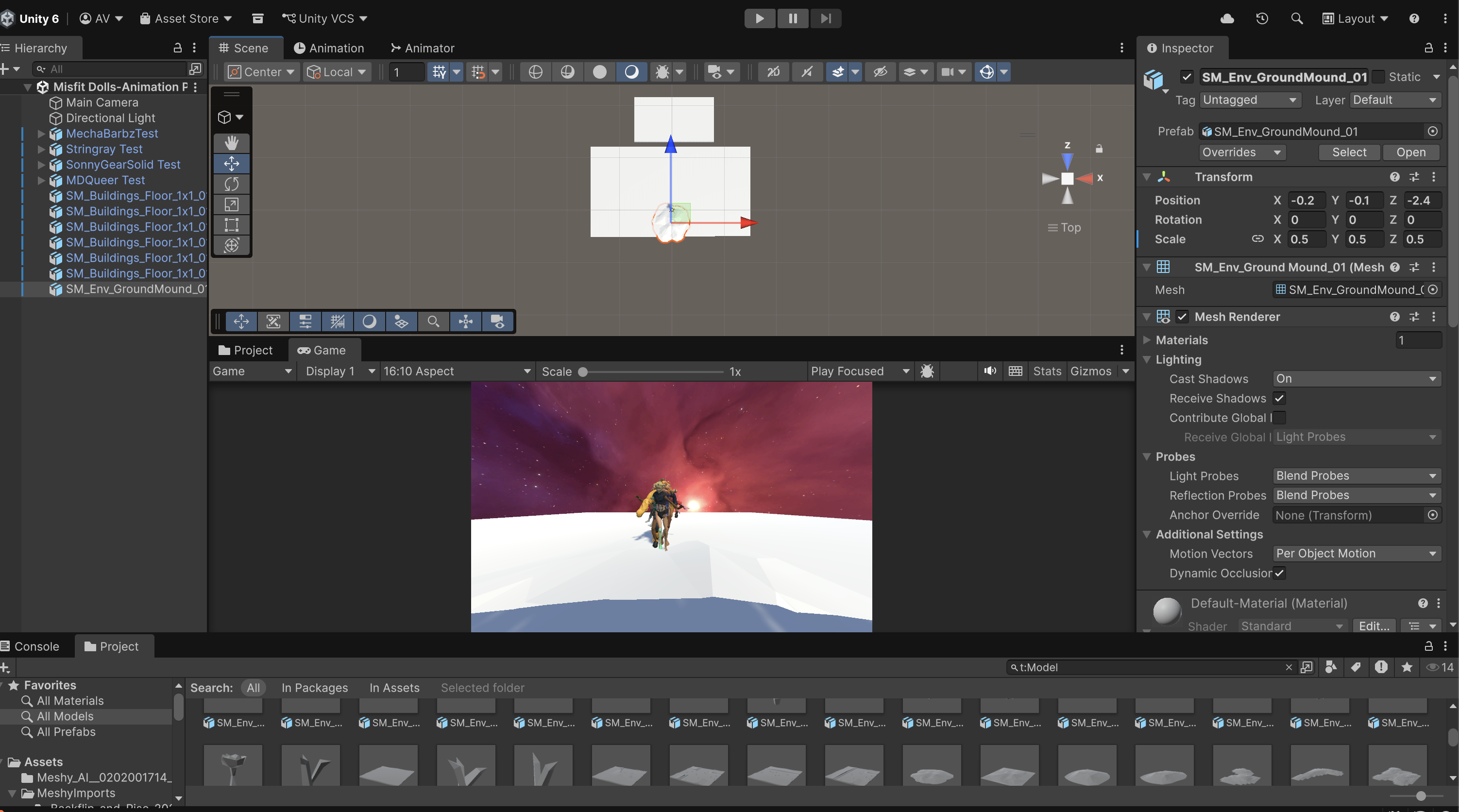
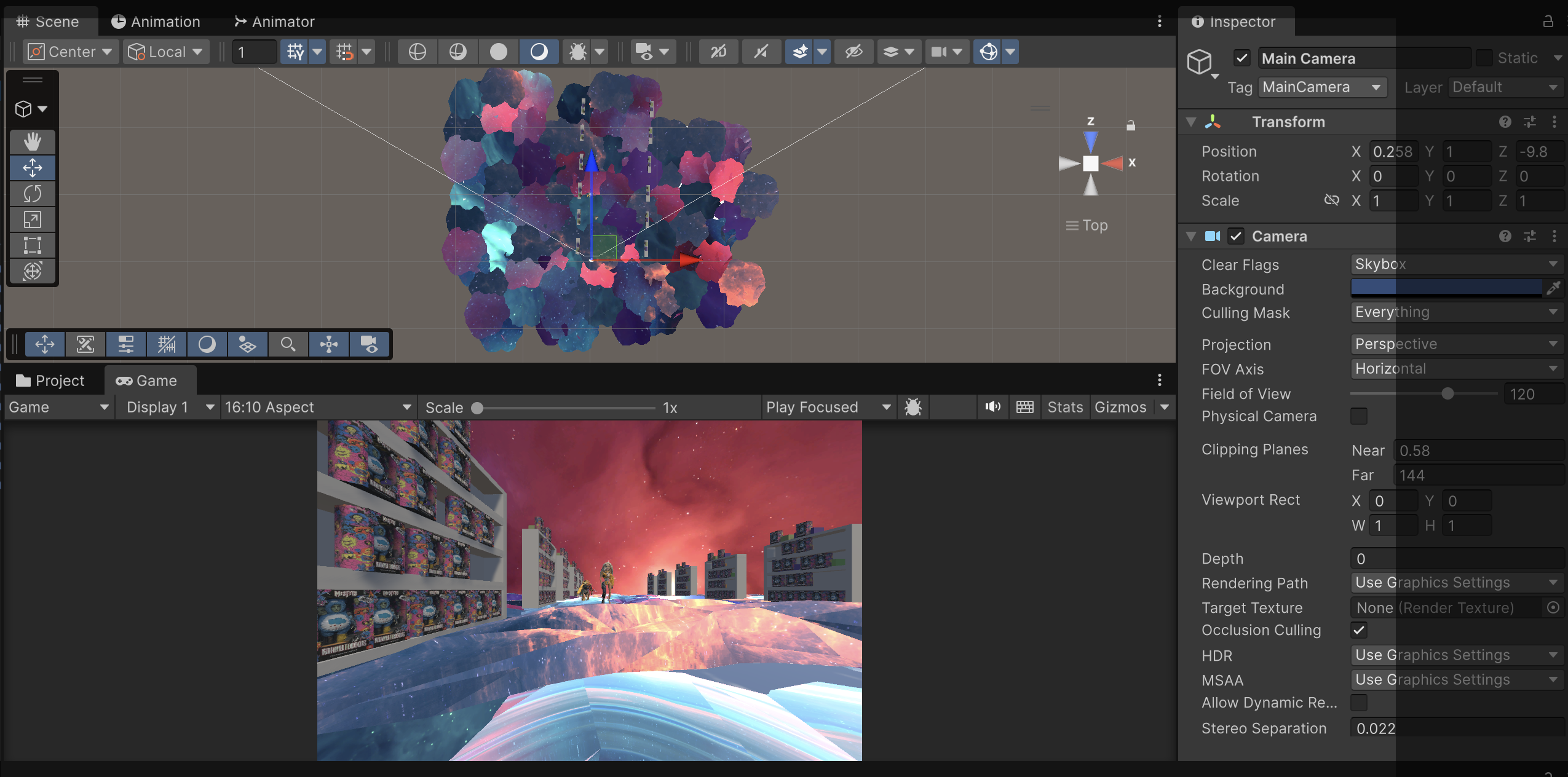
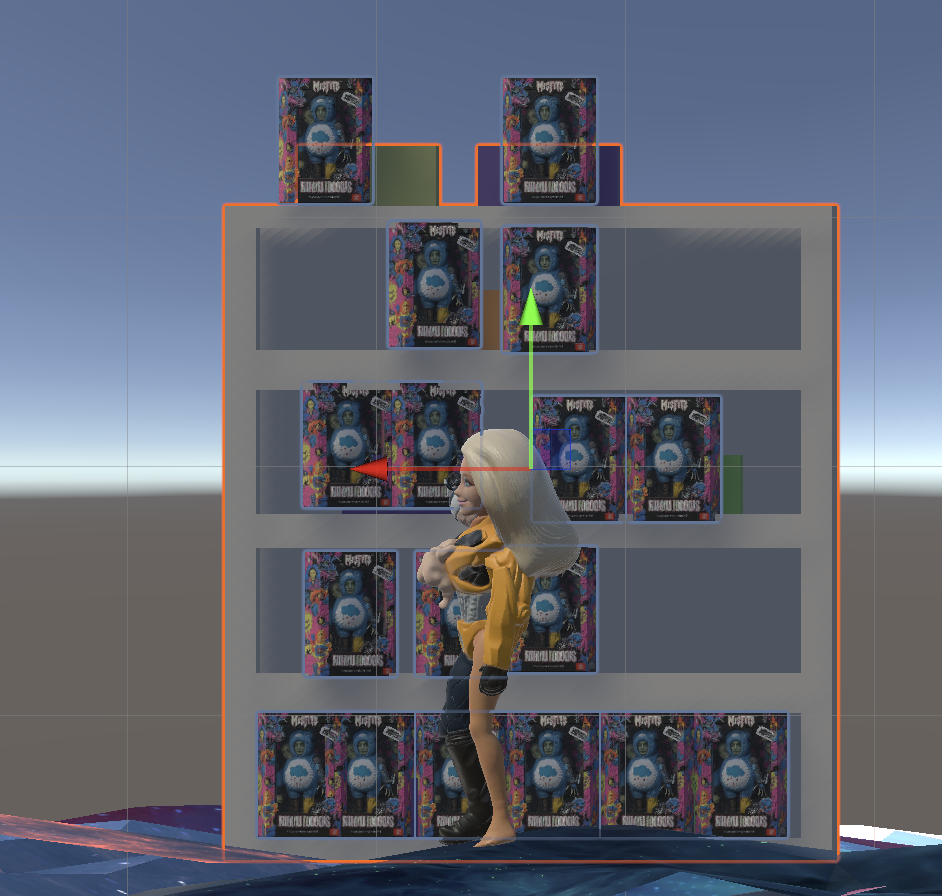
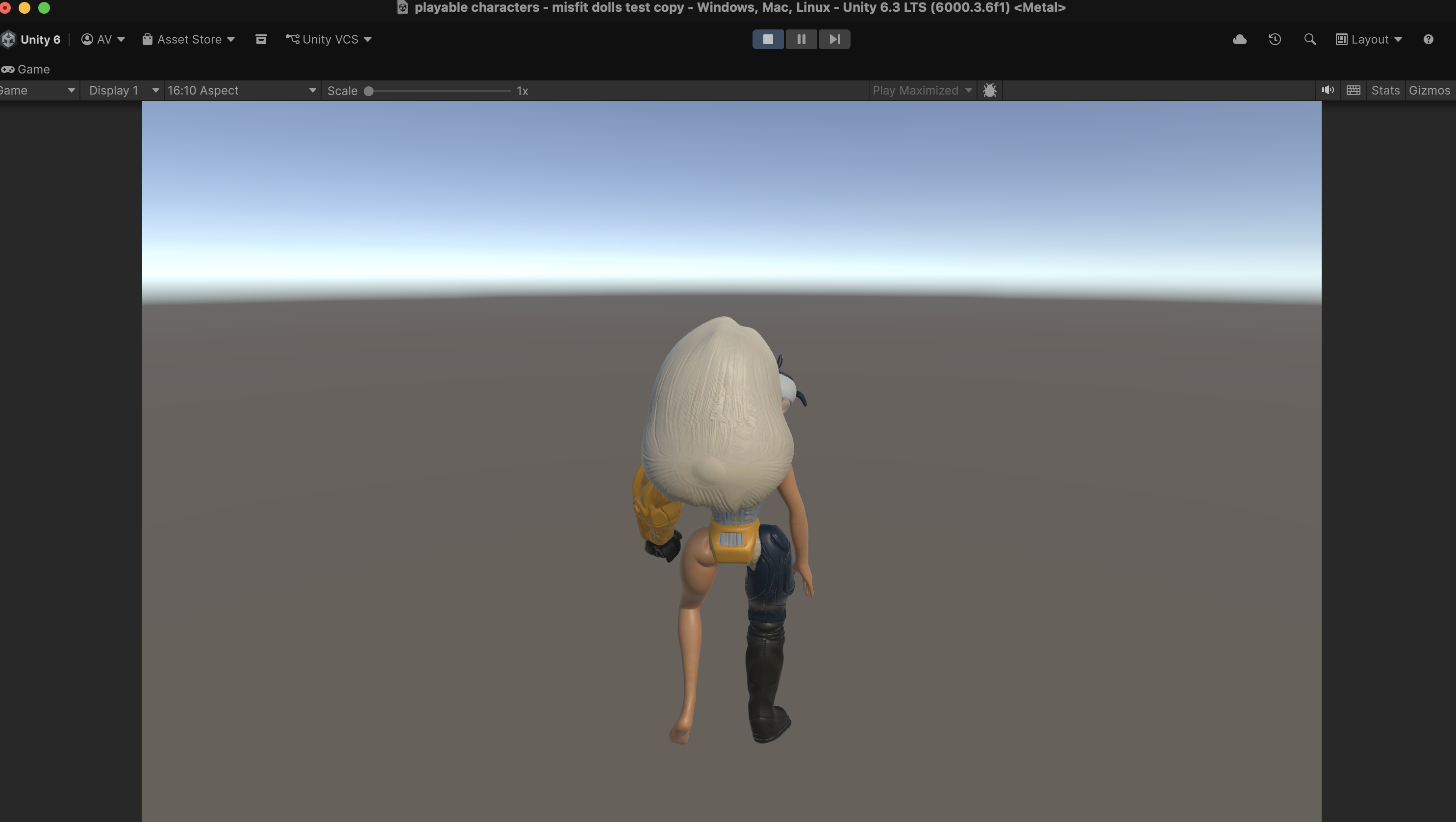
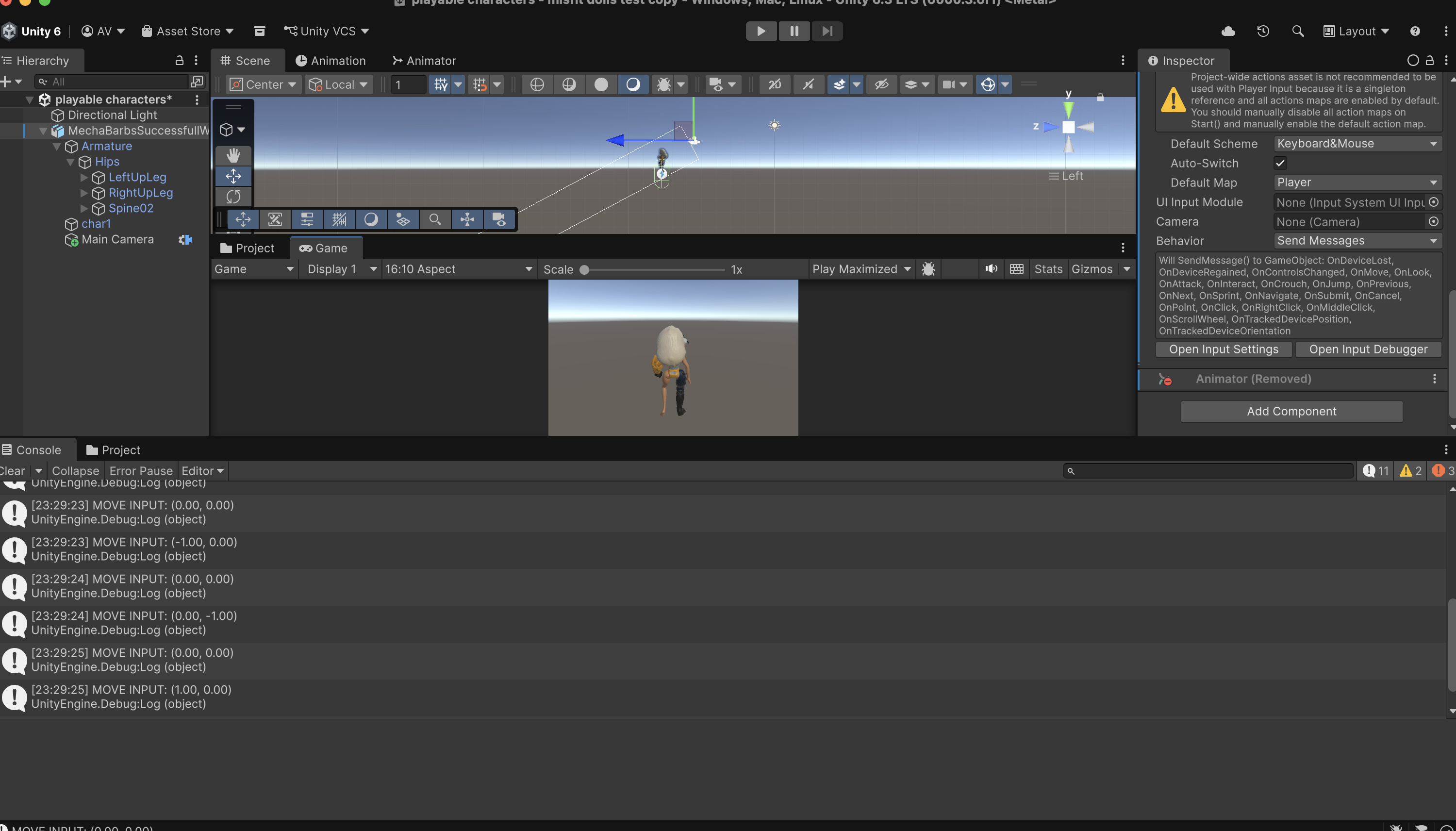
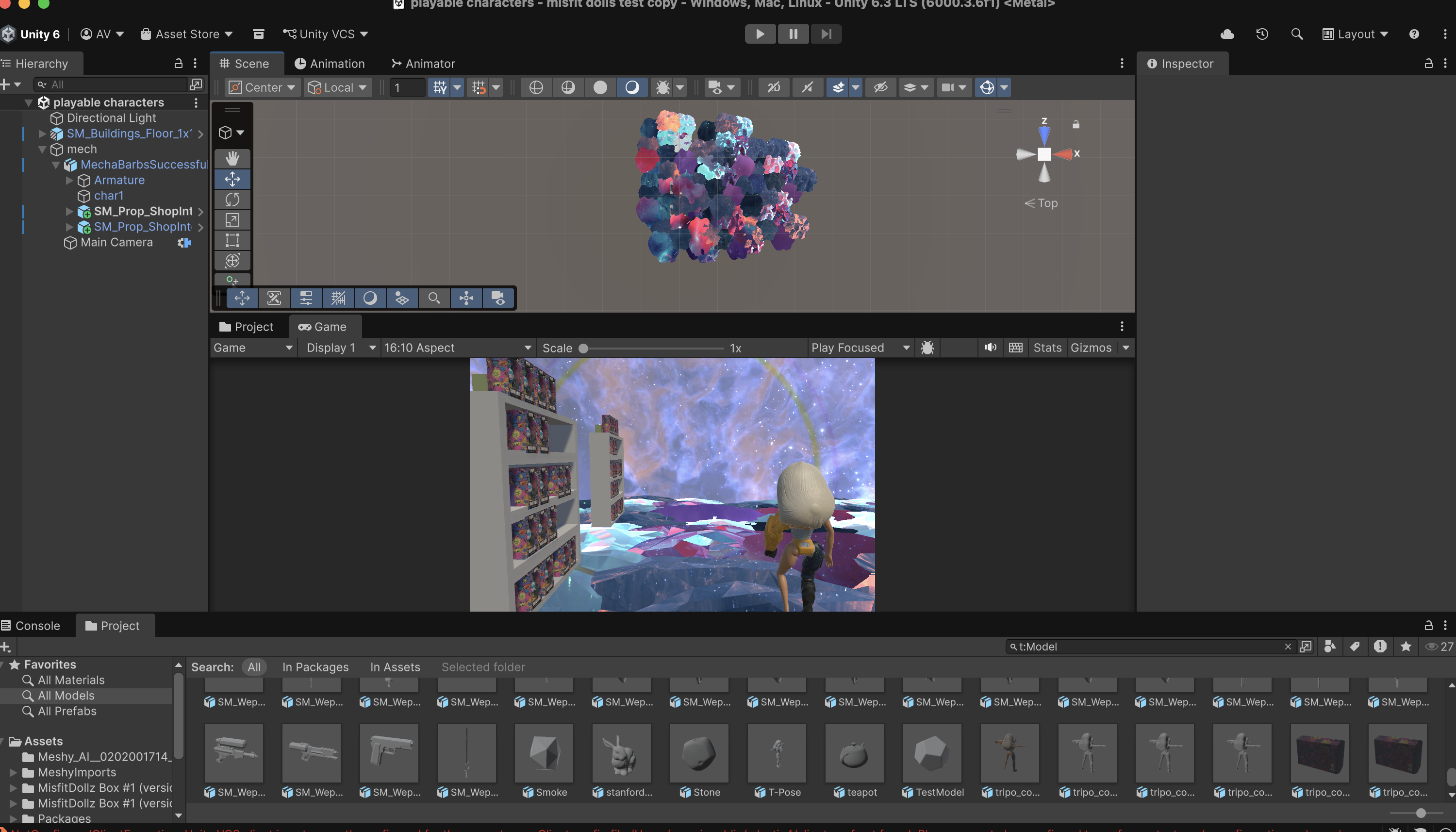
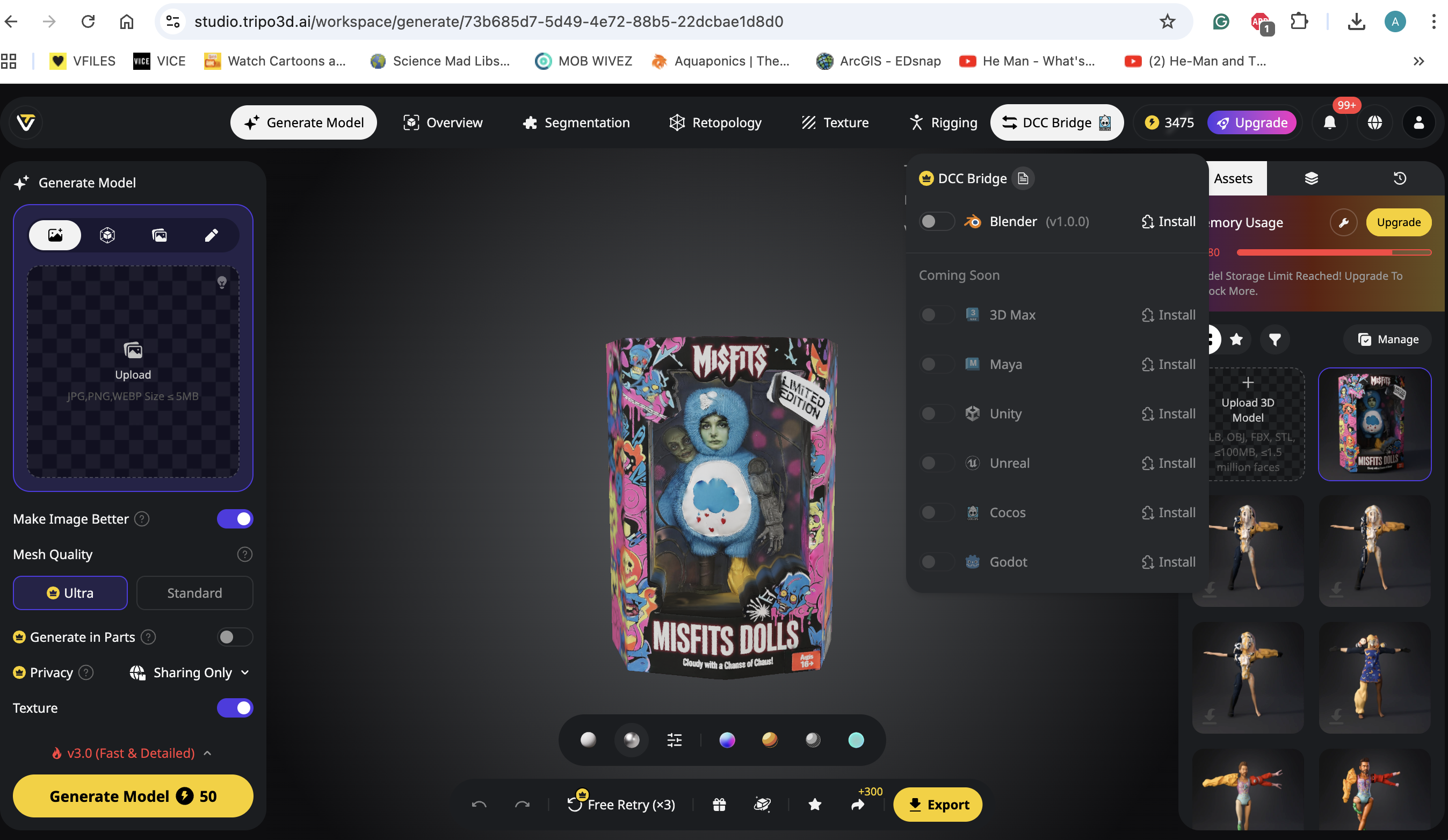
Since I am very new to Open CV and I am struggling a bit with it, I decided to work more on the Unity environment I had started constructing. I used the MechaBarbz model that I had rigged last week as a test avatar. I created a basic player movement script so that the avatar can move around the space using arrow keys. I built the space (so far ) using basic start assets (shelves, ground) as well as my own custom assets I developed using Tripo (Misfit Doll Boxes). I used a Galaxy skybox asset to further custom the environment to make it feel surreal and match the element of the commercial.
Next Steps
What I plan on doing this week:
-Finish Building primary environment
-Add interactivity to the environment
-Make a “Choose Your Avatar” start page (for roaming )
-Learn more about AR & arUco markers/Particle systems and 2D texture wrapping
-Make a working template/develop an arUco library/ find quick import/render methods for the 2D scans
-Test the ‘Make Your Own Misfit Doll’ component with a small sample group (2-3 people)
 Misfit Dollz: Wonderverse Thesis Process & Progress
Leave a comment